BREP
Source repo https://github.com/mmiscool/BREP
A feature-based modeling playground experimenting with BREP-style workflows on top of triangle meshes. It combines robust manifold CSG (via the Manifold library) with a simple face and edge representation, a history pipeline, and Three.js visualization. Import meshes (STL), repair and group them into faces, then perform boolean operations, fillets, chamfers, sweeps, lofts, and more.
This project is actively evolving; expect rough edges while APIs settle. 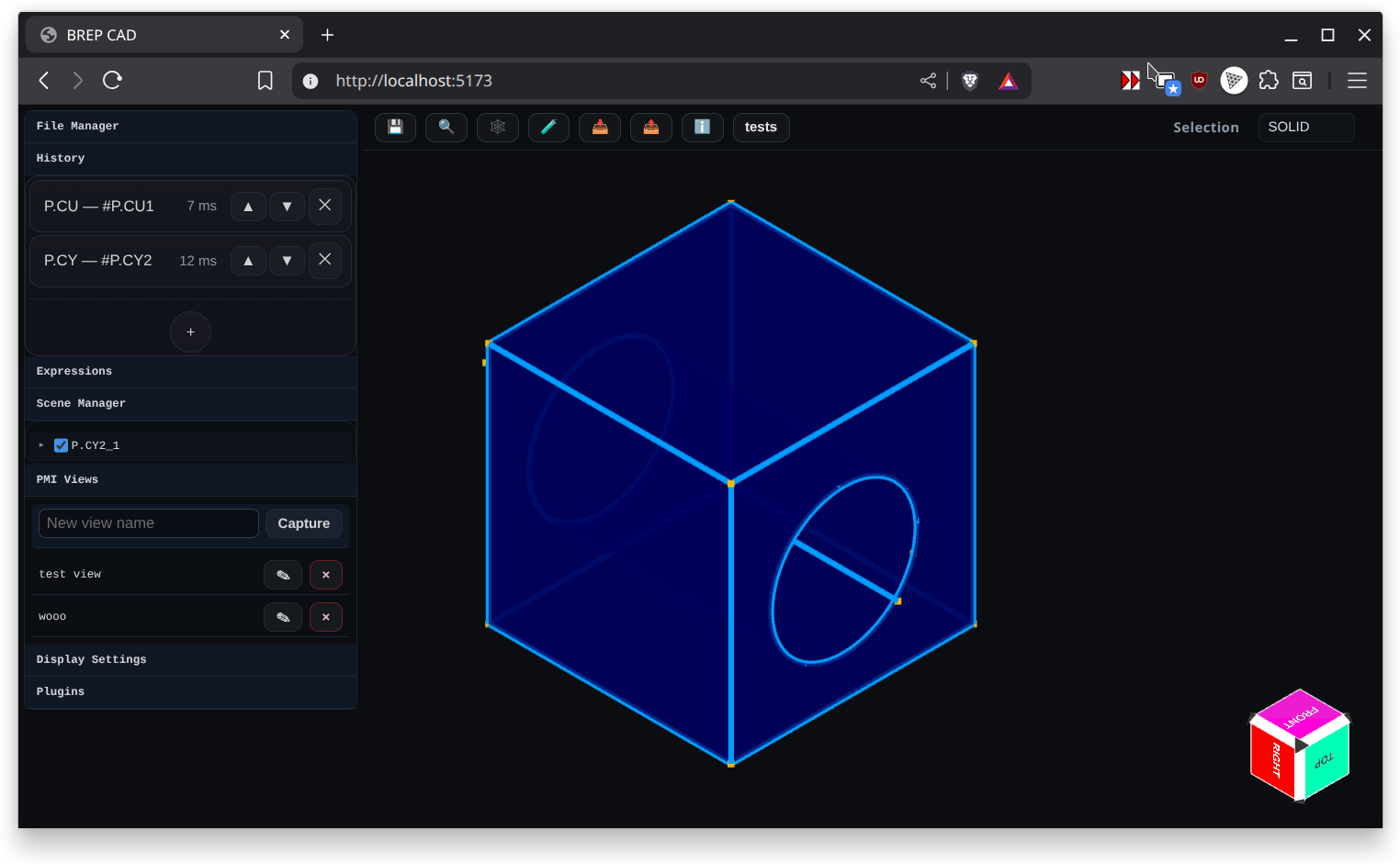
Documentation Map
- Highlights
- What's New
- Getting Started
- UI Overview (Browser)
- How It Works
- History Systems
- Input Params Schema
- BREP Model and Classes
- BREP API (BREP.js exports)
- BREP Kernel (core classes & helpers)
- File Formats: Import and Export
- Plugins and Examples
- Recent Inspector Improvements
- Inspector
Dialog Screenshots
See Dialog Screenshots for the capture helpers, output locations, and configuration options.
Run Local Dev Environment
# clone repo and cd to the folder
pnpm install
pnpm dev
Produce Static build
# clone repo and cd to the folder
pnpm install
pnpm builddistApplication Mode Guides
Modeling Features
- Primitive Cube — Implemented
- Primitive Cylinder — Implemented
- Primitive Cone — Implemented
- Primitive Sphere — Implemented
- Primitive Torus — Implemented
- Primitive Pyramid — Implemented
- Plane — Implemented
- Datum — Implemented
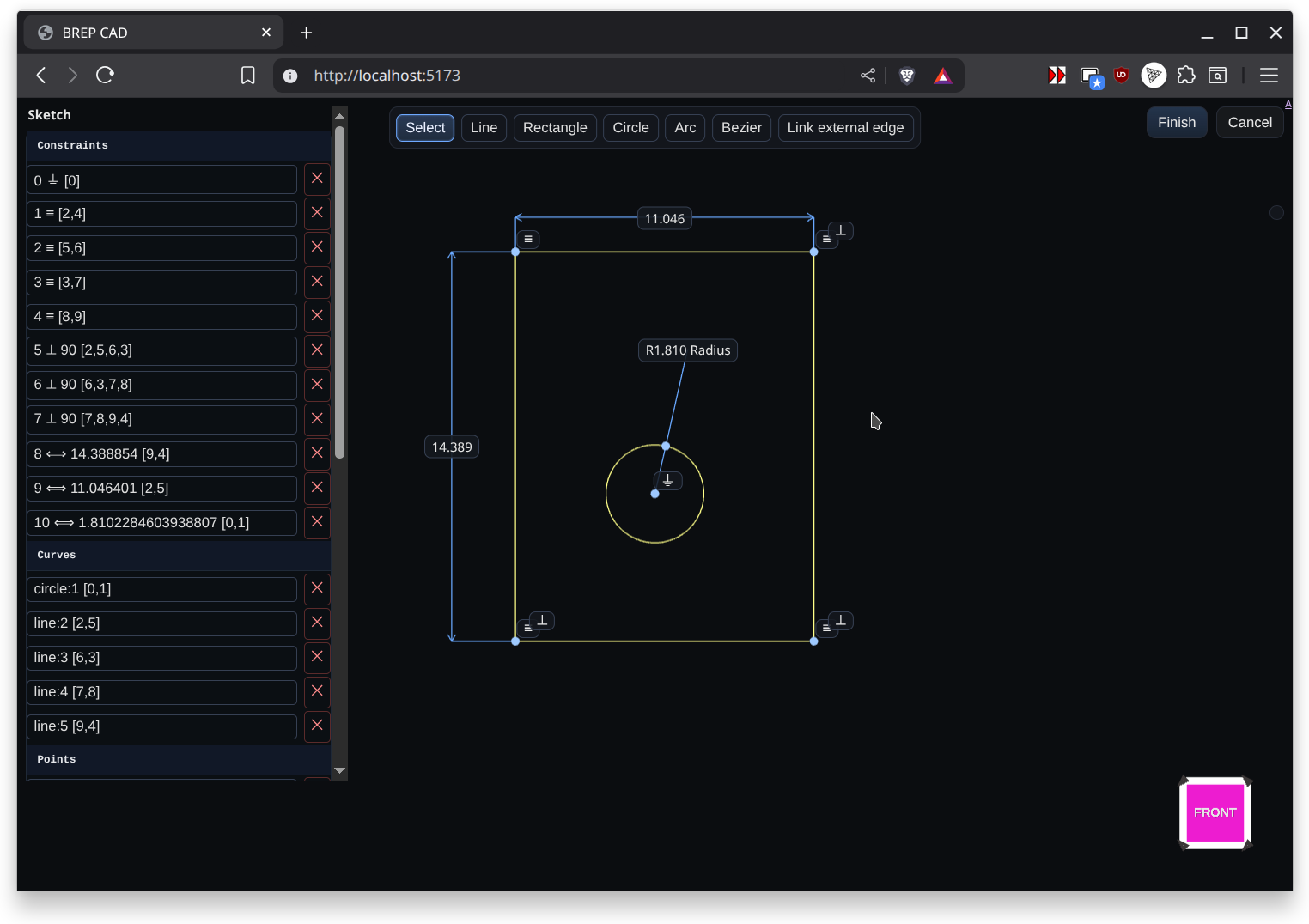
- Sketch — Implemented
- Helix — Implemented
- Extrude — Implemented
- Sweep — Implemented
- Tube — Implemented
- Loft — Implemented
- Revolve — Implemented
- Mirror — Implemented
- Boolean — Implemented
- Fillet — Implemented
- Chamfer — Implemented
- Hole — Implemented
- Offset Shell — Implemented
- Remesh — Implemented
- Import 3D Model (STL or 3MF) — Implemented
- Image Heightmap Solid — Implemented
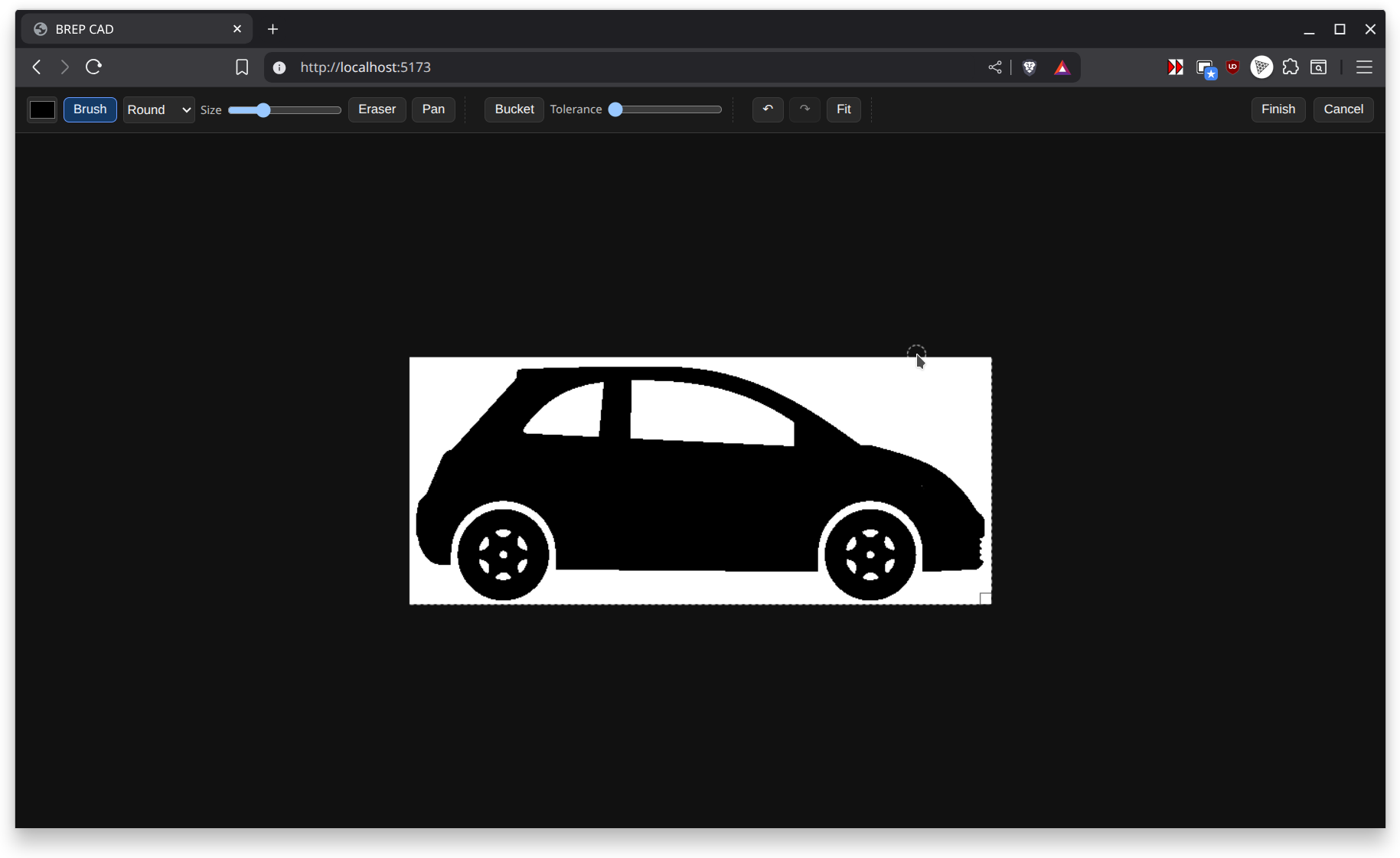
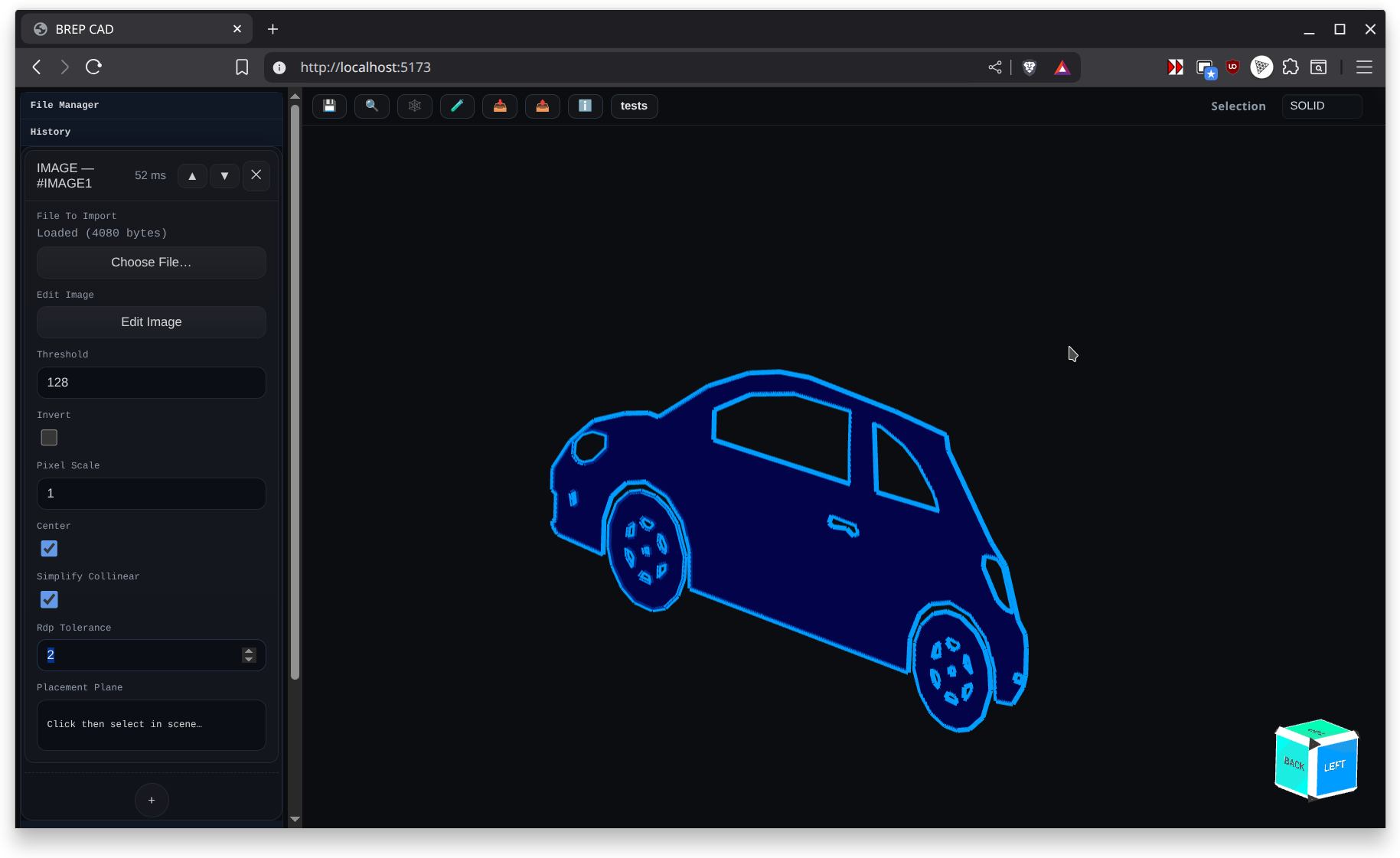
- Image to Face (image trace) — Implemented
- Transform (move, rotate, scale) — Implemented
- Pattern Linear — Implemented
- Pattern Radial — Implemented
- Pattern (legacy combined) — Implemented
- Assembly Component — Implemented
- Sheet Metal Tab — Implemented
- Sheet Metal Contour Flange — Implemented
- Sheet Metal Flange — Implemented
Assembly Constraints
Assemblies can be constrained with the iterative solver described in Assembly Constraint Solver. Each constraint instance stores clear selections plus persistent solve data so runs resume quickly after edits. The constraint registry currently ships with:
- Coincident – mates two datum points or implicit origins.
- Distance – fixes an offset between reference points along a chosen axis or free space.
- Angle – enforces a target angle between two axes or faces.
- Parallel – locks component axes or normals into parallel alignment.
- Touch Align – slides surfaces until they touch and optionally shares tangency.
- Fixed – anchors a component so downstream constraints treat it as immobile.
Adding, removing, or editing any of these entries queues an automatic background solve, and the UI exposes constraint status plus debugging messages pulled from each persistentData record.
PMI annotations
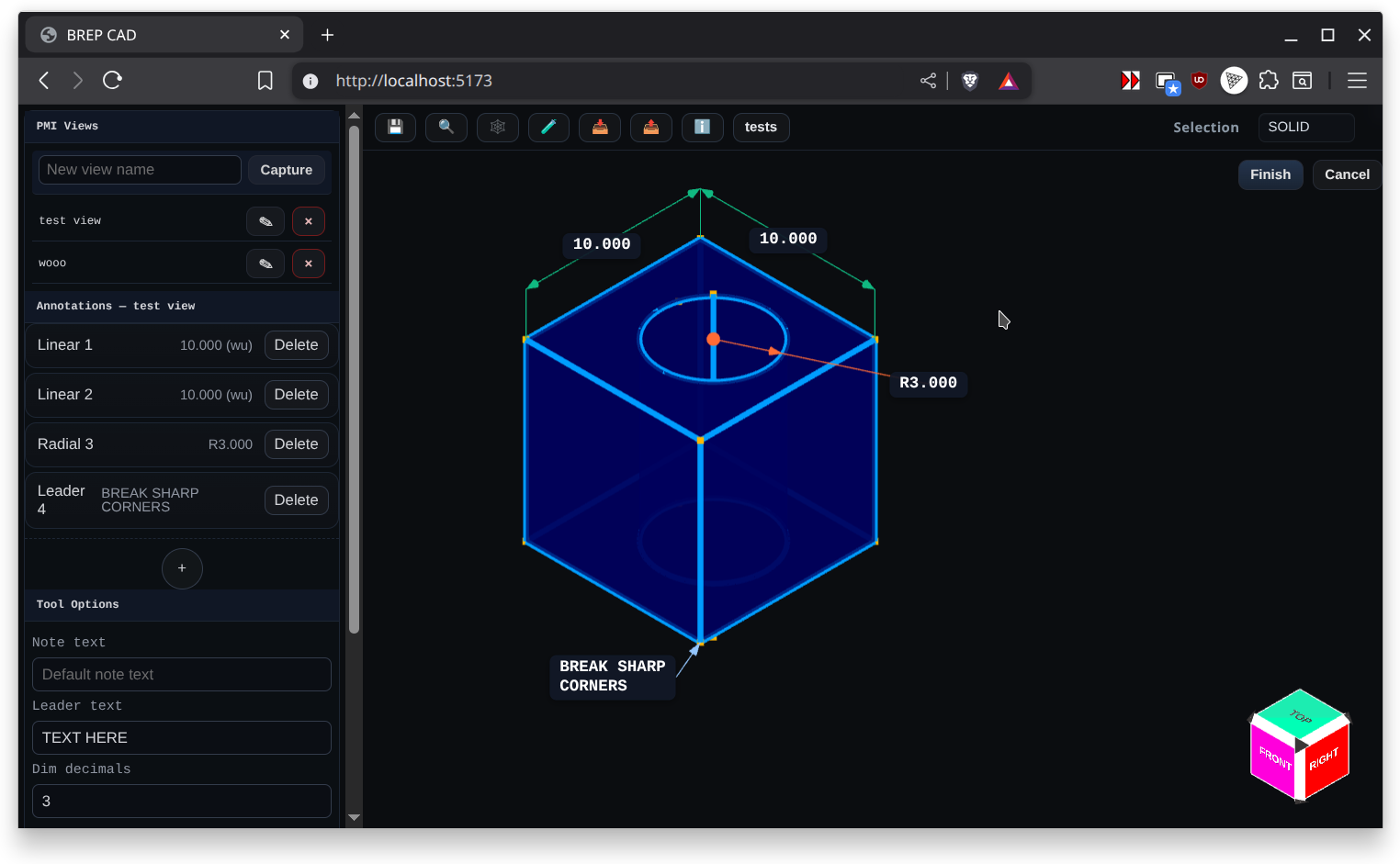
PMI mode focuses on downstream manufacturing communication. Annotating the model augments the saved .brep history and the embedded 3MF metadata. The PMI tools mirror the dialog capture pages in docs/pmi-annotations:
- Linear Dimension – measures distances between vertices with alignment, offsets, and extension controls.
- Radial Dimension – reports diameter/radius for arcs, circles, and cylinders.
- Angle Dimension – dimension angular relationships across edges or faces.
- Leader – callouts with free-form text, arrowhead placement, and captured drag offsets.
- Note – rich-text style annotations tied to PMI views without leader geometry.
- Explode Body – stores exploded-view offsets per component for presentation layouts.
- Hole Callout – leader-style callout that reports hole feature parameters (diameters, depths, countersink/counterbore).
Each annotation stores associative references and view metadata so reloading a part restores the PMI viewport, label placement, and formatting settings.
Using as an npm package (not completed yet. Will change and is not currently working)
- Install:
- Import options:
- pnpm add brep-io-kernel
- import { BREP, PartHistory } from 'brep-io-kernel'; - import { BREP } from 'brep-io-kernel/BREP'; - import { PartHistory } from 'brep-io-kernel/PartHistory'; - import { AssemblyConstraintHistory, AssemblyConstraintRegistry } from 'brep-io-kernel';
License
See LICENSE.md. This project uses a dual-licensing strategy managed by Autodrop3d LLC.
Contributing
See CONTRIBUTING.md for guidelines on submitting pull requests, reporting issues, and participating in discussions.
Documentation
- Angle Constraint
- Coincident Constraint
- Distance Constraint
- Fixed Constraint
- Parallel Constraint
- Assembly Constraint Solver
- Touch Align Constraint
- BREP.js Export Map and Usage
- BREP Kernel Reference
- BREP Model and Classes
- CONTRIBUTING
- Cylindrical Face Radius Embedding
- Dialog Screenshots
- Radius Metadata for Extruded Sketches
- Assembly Component
- Boolean
- Chamfer
- Datium
- Datum
- Extrude
- Fillet
- Helix
- Hole
- Image Heightmap Solid
- Image to Face
- Import 3D Model
- Features
- Loft
- Mirror
- Offset Shell
- Pattern Linear
- Pattern Radial
- Pattern (Legacy)
- Plane
- Primitive Cone
- Primitive Cube
- Primitive Cylinder
- Primitive Pyramid
- Primitive Sphere
- Primitive Torus
- Remesh
- Revolve
- Sheet Metal Contour Flange
- Sheet Metal Flange
- Sheet Metal Tab
- Sketch
- Spline
- Sweep
- Transform
- Tube Feature
- File Formats: Import and Export
- Getting Started
- Highlights
- History Systems
- How It Works
- Input Params Schema
- Recent Inspector Improvements
- Inspector
- LICENSE
- Modeling Mode
- PMI Mode
- Sketch Mode
- Plugins and Examples
- Angle Dimension
- Explode Body (View Transform)
- Hole Callout
- PMI Annotations
- Leader
- Linear Dimension
- Note
- Radial Dimension
- Simplified Radial Dimension Interface
- Solid Methods Reference
- UI Overview (Browser)
- What's New