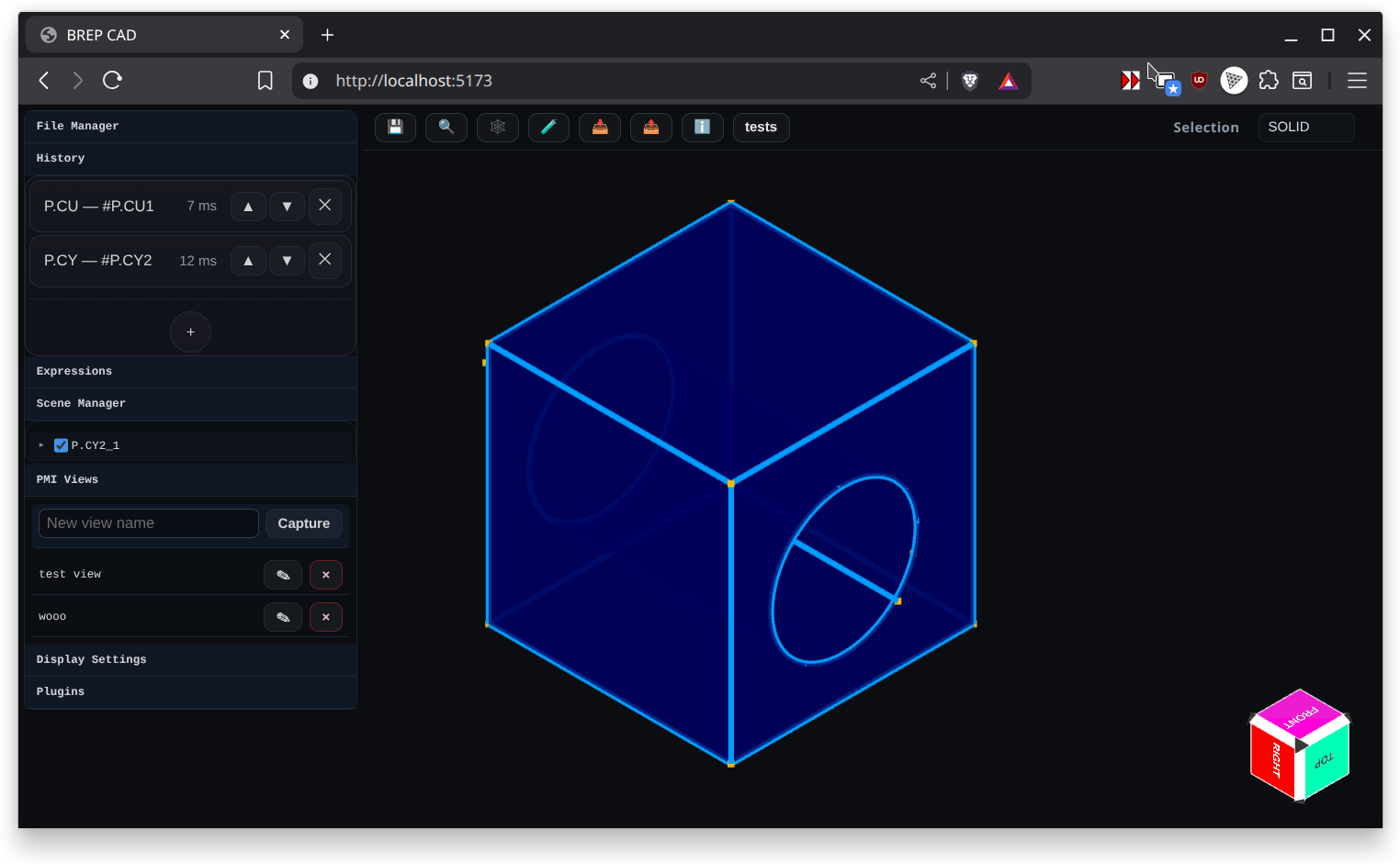
Modeling Mode
Modeling Mode is the default workspace for solid construction. The scene shows the active history tree, 3D viewport, and main toolbar controls. Add primitives, booleans, and editing features to the timeline, then drag or edit them to re-run the part. Selection filters and gizmos in this mode operate directly on bodies, faces, and edges to drive feature inputs.
Key tools:
- Main toolbar (Save, Zoom to Fit, Wireframe, Import/Export, About)
- Feature history panel for creating primitives, sketches, and operations
- Inspector for per-face metrics like area and owning feature
Use Modeling Mode to position solids, apply patterns, and manage global transforms before switching to specialized modes.