Hole Callout
Status: Implemented
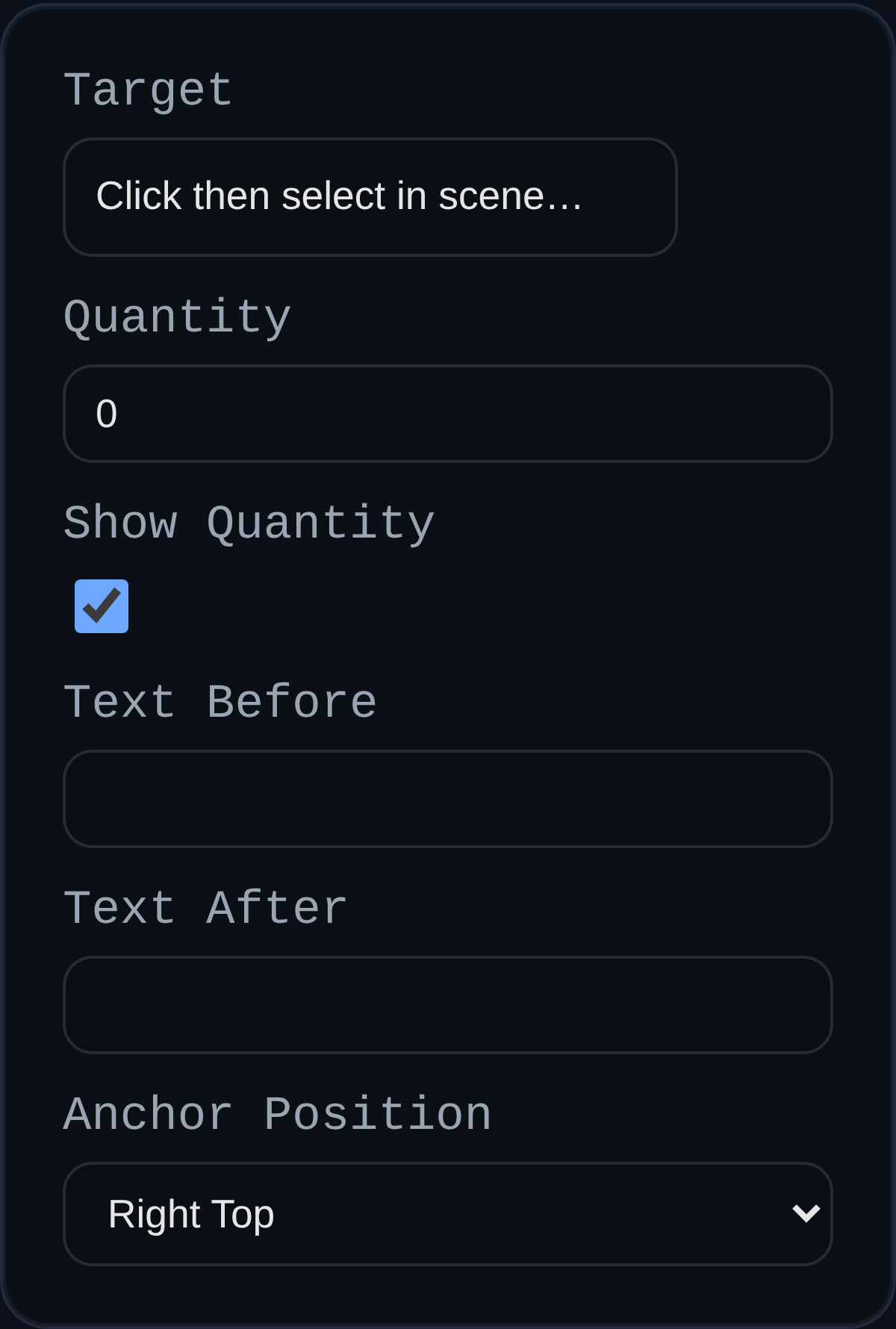
Creates a leader-style note that reports hole parameters from the hole feature.
Inputs
- Target – Select a hole edge/vertex/face (or its stored centerline). The callout snaps to the specific hole the selection came from.
- Quantity – Optional “×” multiplier for identical holes.
- Anchor Position – Preferred label alignment.
Display
- Uses the global PMI leader styling (line/arrow/dot sizes and colors).
- Shows core diameter and depth (
↧ depthwhen not Through All, otherwise “THRU ALL”). - For countersink: shows sink diameter and angle
⌵ ⌀D × A°. - For counterbore: shows bore diameter and depth
⌴ ⌀D ↧ depth.
Tips
- Holes carry metadata (center, normal, type, diameters, depths) from the Hole feature. Pick the actual hole geometry to bind the callout to that specific hole.
- Depth matches the Hole feature’s total depth; Through All skips depth text.