Sheet Metal Tab
Status: Implemented
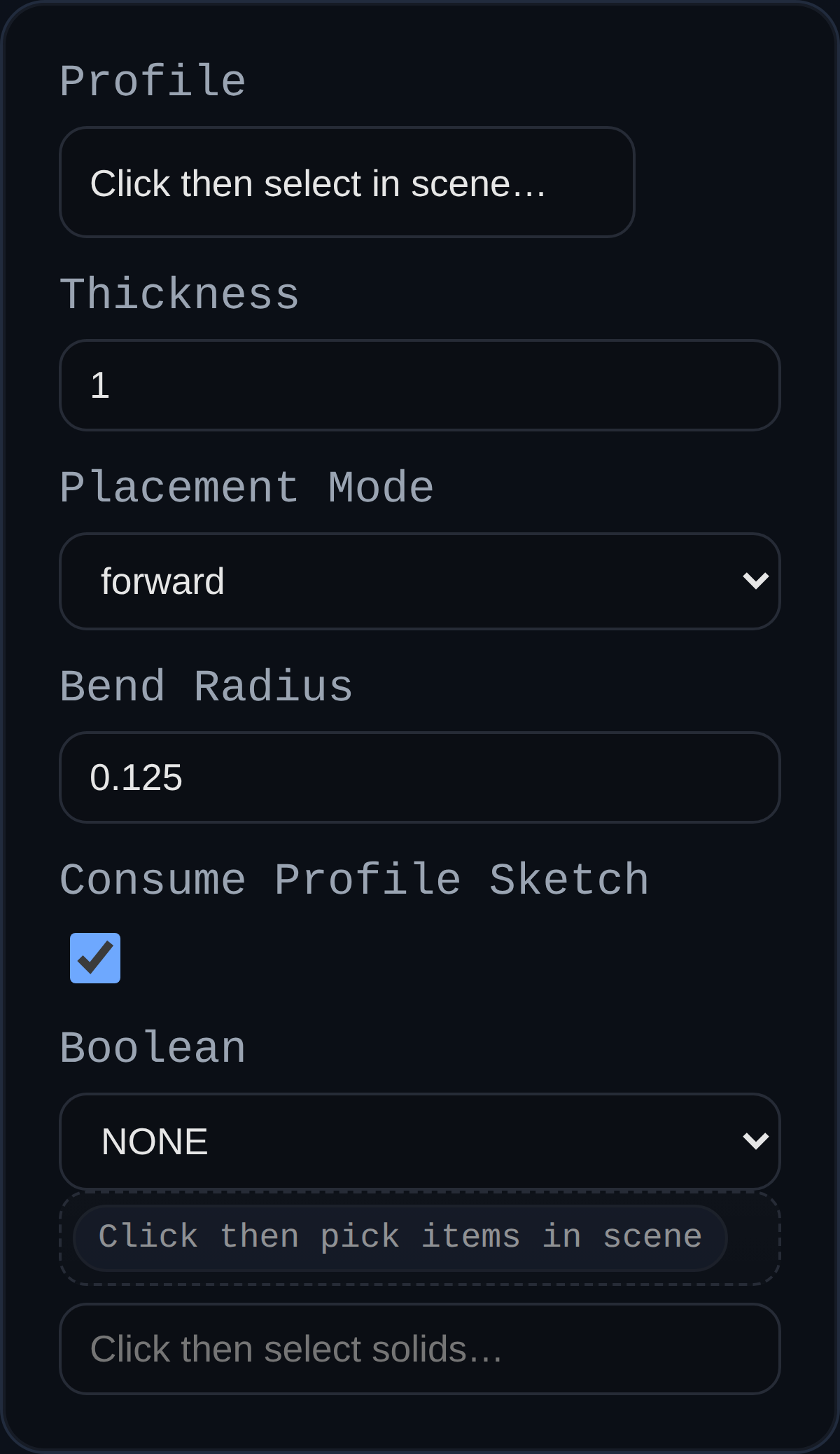
The Sheet Metal Tab feature creates a base flange by extruding a closed sketch (or face) by a specified thickness. Besides generating geometry via the robust sweep implementation, it records the sheet thickness so downstream flange/cutout tools can reuse the value.
Inputs
profile– Closed sketch or face defining the tab footprint. If a sketch is selected it will be removed from the scene once the tab body is generated.thickness– Sheet metal thickness. The feature uses this value for both the physical extrusion distance and the stored sheet metadata.placementMode– Determines how the thickness is applied relative to the sketch plane: forward, reverse, or midplane (symmetric).bendRadius– Captured default bend radius for the part. The geometry ignores this value (tabs are planar) but downstream flange/cutout features reuse it.consumeProfileSketch– Checkbox to remove the driving sketch after the tab is created. Disable to leave the sketch visible for edits or reuse.boolean.operation/boolean.targets– Optional union/subtract/intersect with existing solids.
Behaviour
- Tabs reuse the
BREP.Sweeptranslator to form solids and automatically remove consumed sketches unlessconsumeProfileSketchis turned off. - Every resulting solid receives
userData.sheetMetalmetadata (baseType: TAB,thickness,bendRadius,consumeProfileSketch, etc.) plus mirrored entries in theMetadataManager. - Thickness must be greater than zero; negative inputs flip the placement automatically unless an explicit mode is chosen.