Touch Align Constraint
Status: Experimental
Touch Align constraints drive two like-kind references into contact while also aligning their orientations. They extend the parallel alignment logic with a translation phase so the selected entities share the same location in space.
Inputs
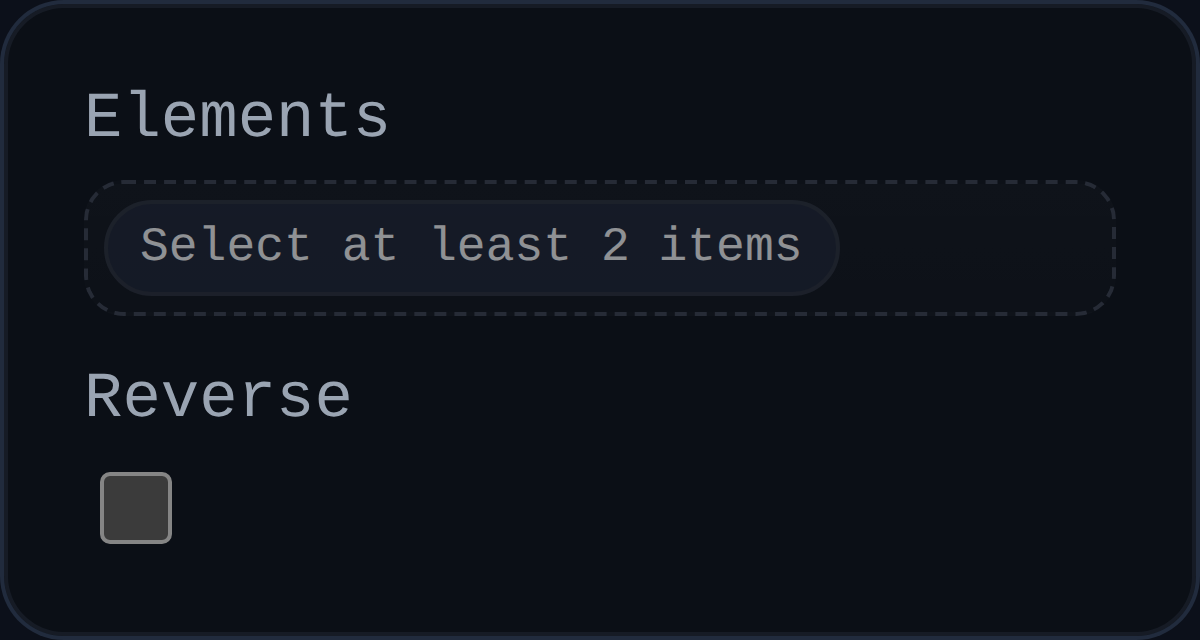
id– solver-generated identifier (for exampleTALN5).elements– two selections of the same kind (face/face, edge/edge, or point/point). Mixed types are rejected.reverse– flips the stored orientation preference, mirroring the behaviour of the Parallel constraint.
Behaviour
- Face to face: runs
solveParallelAlignment()to align the surface normals, then translates components along the normal direction until the sampled origins coincide within tolerance. - Edge to edge: orients the edges into parallel directions, measures the shortest vector between their supporting lines, and translates components to eliminate the separation.
- Point to point: alternates between small rotations (about a resolved component midpoint) and translations, using
rotationGainandtranslationGainto gracefully converge even when the points start far apart. - Records applied moves and rotations in
persistentData.lastAppliedMoves/lastAppliedRotations, along with the most recent error value so the UI can communicate progress. - Relies on
isComponentFixed()to determine how to split corrections; if both components are fixed the constraint reportsstatus: 'blocked'.
Limitations
- Mixed-type selections (for example face-to-edge) are currently unsupported and will return
status: 'unsupported-selection'. - Point-to-point mode derives rotation pivots from component bounds; unusually shaped components may require several iterations before the points line up.
- Debug helpers (normal arrows) are only emitted for face and edge modes when the solver runs with
debugModeenabled.
Usage Tips
- Use Touch Align instead of pairing Coincident with Parallel when you want a single constraint to enforce both contact and orientation.
- If a face-to-face alignment lands on the wrong side, toggle
reverseto swap which normals oppose each other before the translation phase starts. - Keep an eye on
persistentData.pointToPointNextModewhen debugging point contacts; it reveals whether the next iteration plans a rotation or translation step.