Parallel Constraint
Status: Implemented
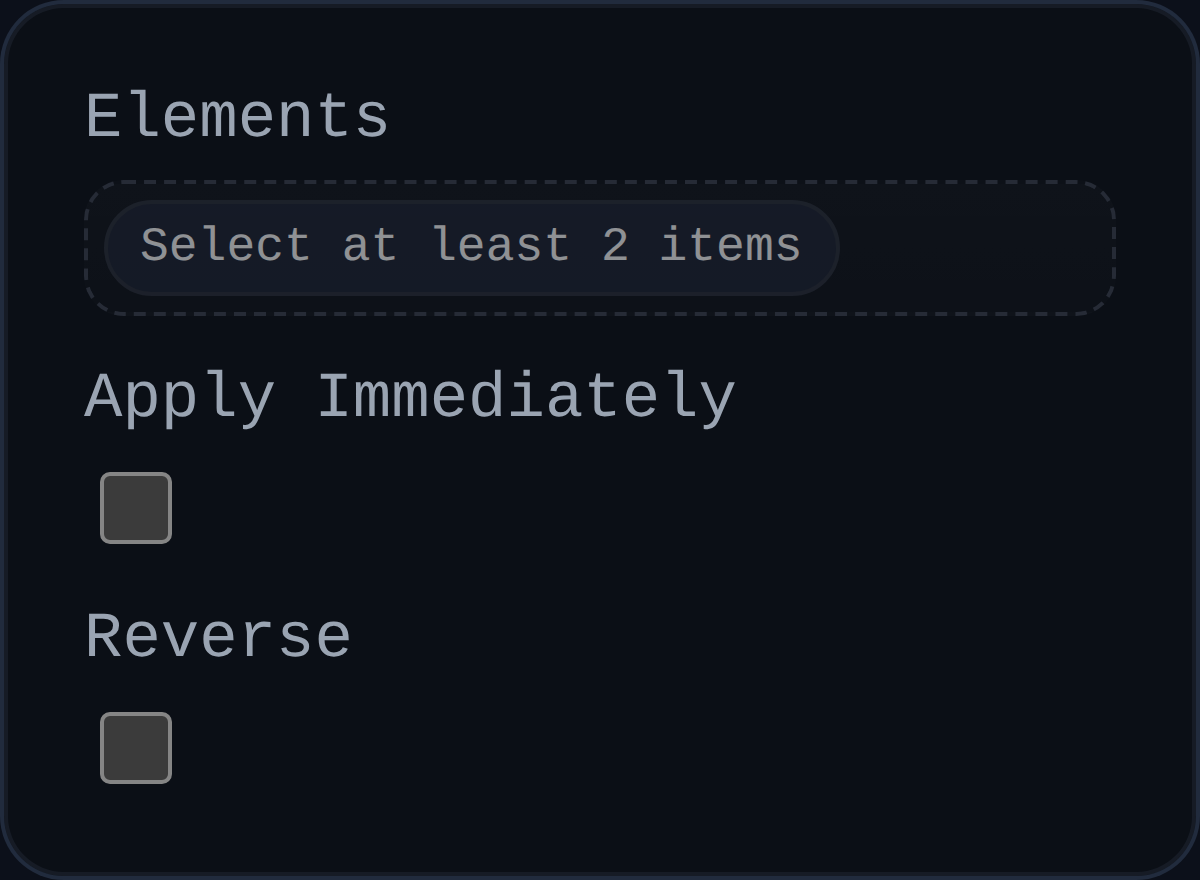
Parallel constraints align the directions of two faces, edges, or components. They are the primary orientation tool for planar or cylindrical features that must stay parallel without requiring contact.
Inputs
id– unique identifier surfaced in the UI.elements– two selections (faces, edges, or components). Each selection must resolve to a direction vector.applyImmediately– historical flag retained for UI compatibility; the solver always iterates instead of applying a single shot correction.reverse– toggles the stored orientation preference so the constraint can align outward-facing normals instead of inward-facing normals.
Behaviour
- Resolves both selections using the parallel alignment utilities, which gather a world-space origin, direction, and normal sampling metadata.
- Stores an orientation preference (
persistentData.preferredOppose) the first time the constraint runs. Subsequent solves reuse that preference untilreverseflips it. - Delegates the heavy lifting to
solveParallelAlignment()inconstraintUtils/parallelAlignment.js, which computes the quaternion(s) necessary to make the direction vectors parallel while respectingMAX_ROTATION_PER_ITERATION. - Fills
persistentData.errorandpersistentData.errorDegwith the angular difference so the UI can display progress down to very small tolerances. - Emits optional debug arrows when the solver runs in
debugModeto visualise the directions currently being enforced.
Usage Tips
- Combine Parallel with Distance or Coincident when you need both orientation and translation control.
- If the constraint keeps flipping between inward and outward normals, toggle the
reverseflag to pin the preferred orientation. - Keep an eye on
lastAppliedRotations; sustained non-zero rotations usually indicate other constraints are pulling the components out of alignment between iterations.