Coincident Constraint
Status: Implemented
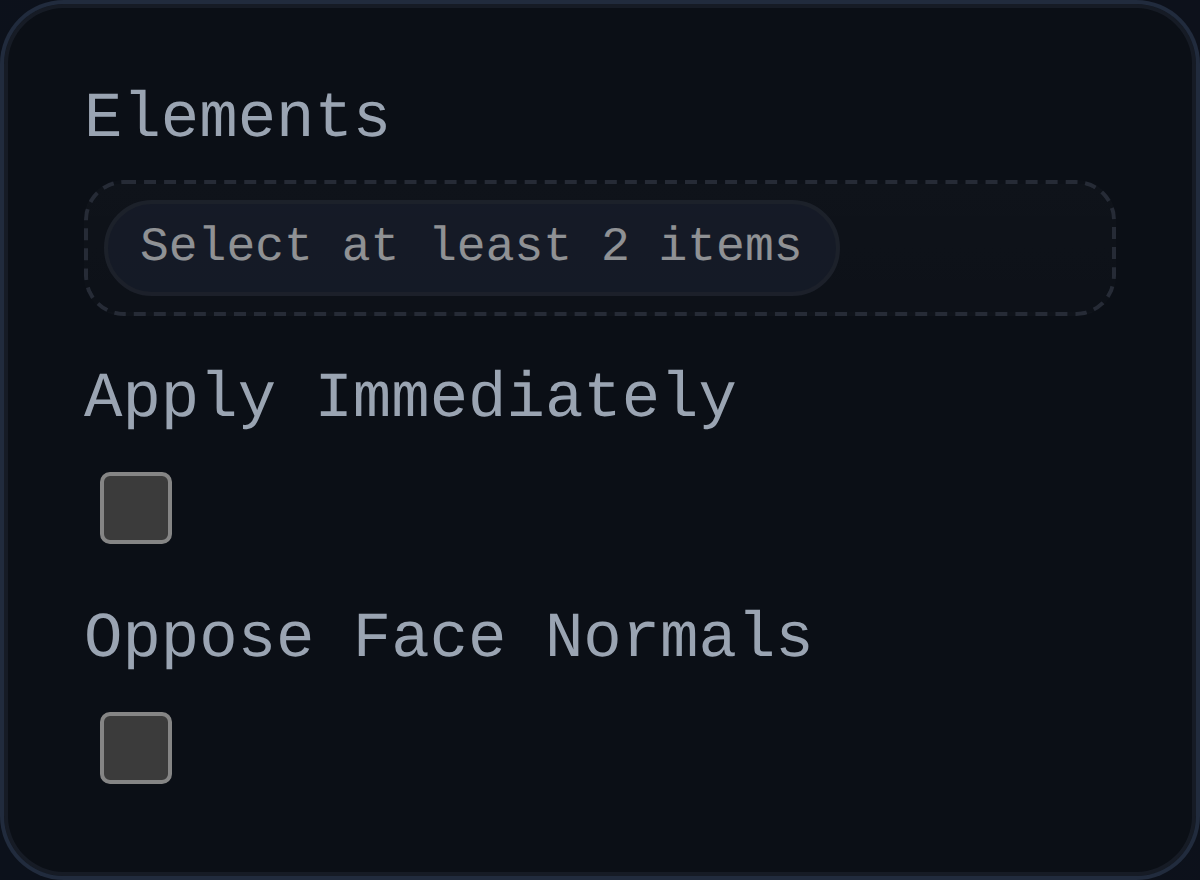
The coincident constraint brings two references to the same world-space location by translating their owning components. It is the general-purpose mate used for points, edges, faces, or whole components.
Inputs
id– unique identifier generated by the history; used for UI labels and debugging.elements– exactly two selections (vertex, edge, face, or component). The solver resolves each selection to a world-space point before measuring the gap.applyImmediately– legacy flag populated by the UI; the iterative solver ignores it.faceNormalOpposed– reserved for future expansion and currently unused.
Behaviour
- Rebuilds the world-space representative point for each selection using
objectRepresentativePoint()(with a fallback toBaseAssemblyConstraint.getWorldPoint()). - Rejects selections that belong to the same component or that cannot be resolved to assembly components, surfacing
status: 'invalid-selection'. - Measures the vector between the two points, compares its length to the solver tolerance, and records the current error in
persistentData. - Splits the correction vector between both components when neither one is fixed; otherwise moves only the movable component. If both components are fixed the constraint reports
status: 'blocked'. - Applies translations through
context.applyTranslation()so the solver can sync back to feature data and accumulatelastAppliedMoves.
Usage Tips
- Pair a Coincident constraint with a Parallel or Angle constraint when you need both contact and orientation control.
- Lower the solver
translationGainwhen working with very small tolerances to avoid overshooting on dense assemblies. - Use the solver's debug hooks to watch
lastAppliedMovesif a component fails to move; it usually indicates the part is already fixed or belongs to the same component as the other selection.